Team management and roles
Use Team management to invite people, review their access, and disable accounts that should no longer be able to sign in. Admins can also assign Admin and Editor roles.
View your team
Open Settings > Team management to see each person’s role and status. You can filter the table or sort it by name, email, role, or status.
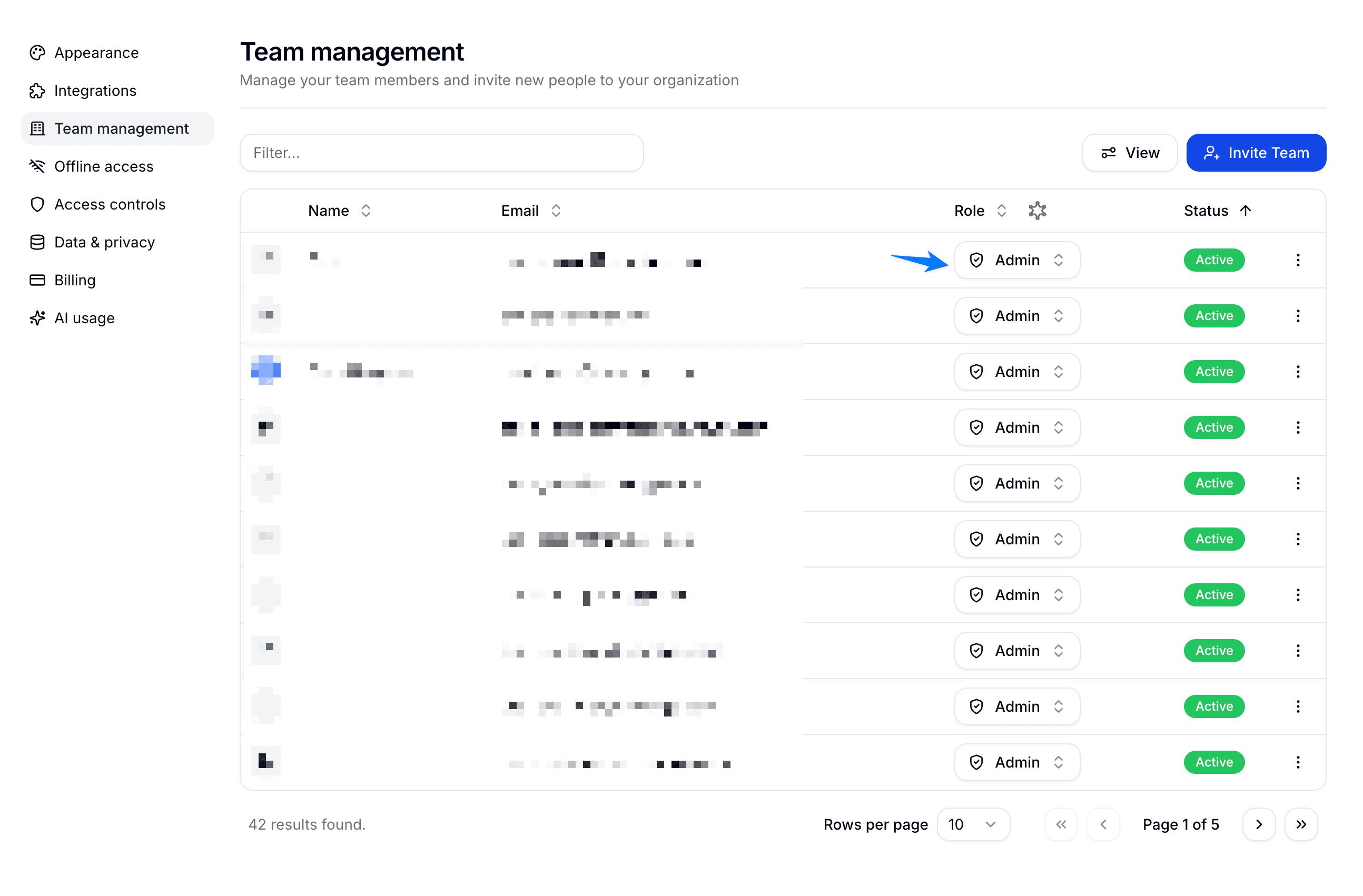
The status column shows whether a person is:
- Pending: They have been invited but have not joined the organization.
- Active: They can currently sign in.
- Disabled: Their account and active sessions have been disabled for this organization.
Manage invitations and access
Use the menu at the end of a person’s row to manage their access.
Pending invitations
Resend a pending invitation if the person missed the original email. Admins can revoke it before it is accepted.
Disable a team member
Admins can disable an active team member. HowdyGo signs them out immediately and blocks future sign-ins without deleting their demos or other work.
You cannot disable your own account. HowdyGo also prevents an Admin from disabling the organization’s last active Admin.
Reactivate a team member
Admins can reactivate a disabled team member from the same row menu. Reactivation lets the person sign in again with their existing email address.
Admin and Editor roles
Only an Admin can change roles and Team controls.
Admin
Admins can create and edit demos, and they can manage organization-level settings such as:
- Team members and roles
- Billing and subscriptions
- Integrations and webhooks
- Access controls
- Data & privacy settings
Editor
Editors can create, edit, and share demos, work with collections, and view analytics. They cannot change billing, team roles, integrations, access controls, or data collection settings.
To change an active team member’s role, open Team management and use the dropdown in the Role column. You cannot change your own role.
Set the default role
Open Settings > Access controls and choose the role that new team members should receive.
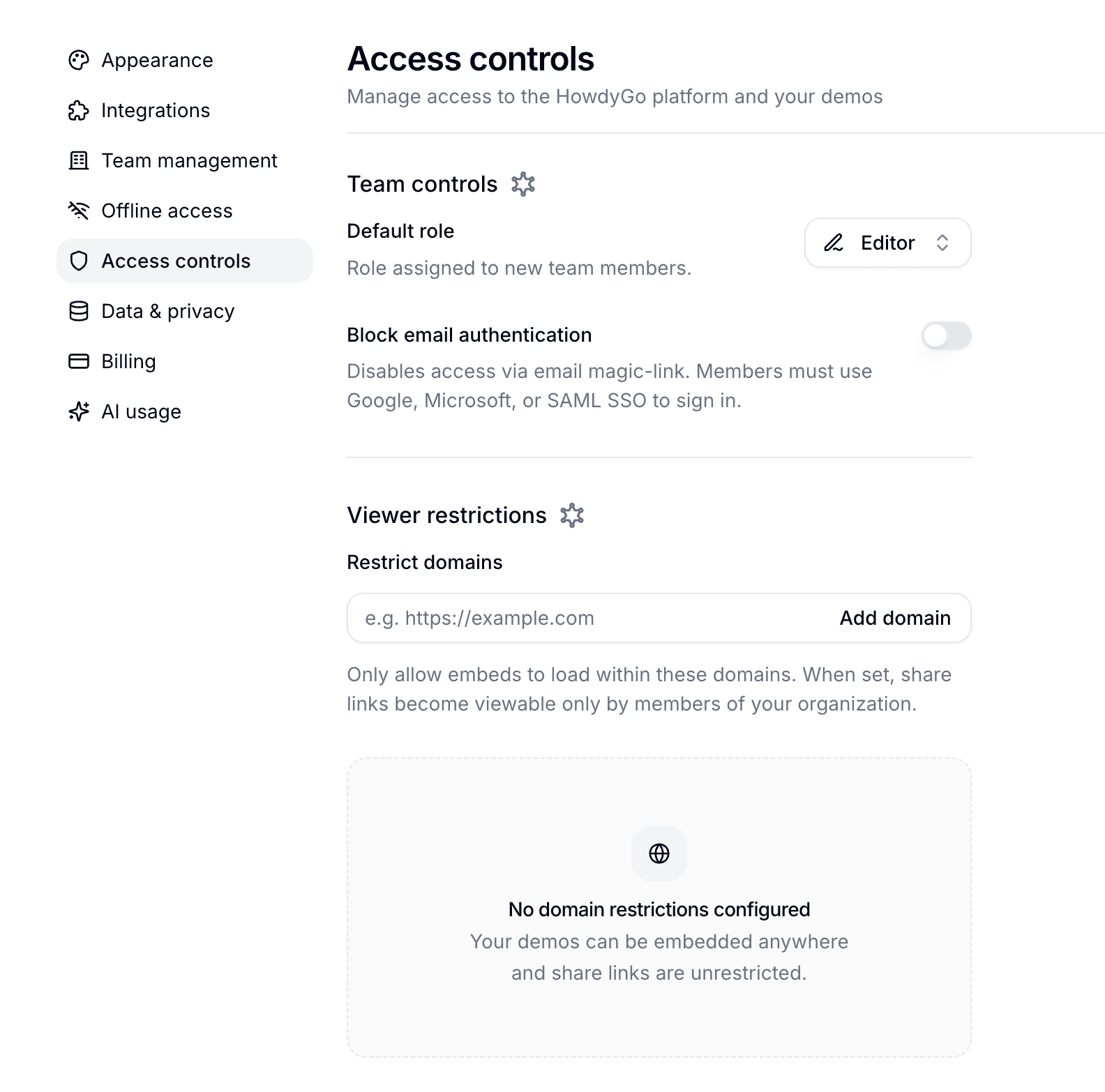
Changing the default does not affect existing members. Use Team management when you need to change someone who has already joined.
Block email magic-link sign-in
Admins can enable Block email authentication under Settings > Access controls. This turns off email magic-link sign-in. Team members must instead use Google, Microsoft, or your configured SAML SSO provider.
This control is available on Pro and Enterprise plans.